Smart home devices and projects
Shop by category
Devices and kits for your home
Featured
Products we recommend right now
-
9,90 €
-
15,90 €
-
7,90 €
-
13,90 €
-
13,90 €
-
Aqara
Aqara Presence Multi-Sensor FP300 (PS-S04D) – AI presence sensor, dual mmWave + PIR technology, Thread and Zigbee
- SKU:
- 6975833357789
- EAN:
- 6975833357789
46,90 € -
Shelly
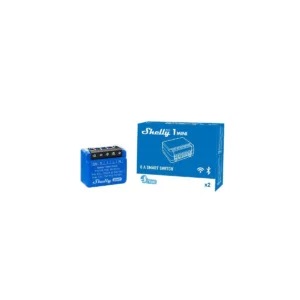
Smart relay Shelly 1 GEN3, 1 channel, 16A, WiFi, dry contact
- SKU:
- 3800235261767
- EAN:
- 3800235261767
13,90 € -
15,90 €
-
16,90 €
-
14,90 €
-
31,90 €
-
Sonoff
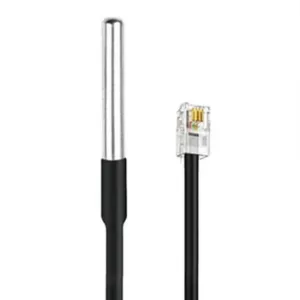
Waterproof temperature sensor Sonoff WTS01 (RJ9 4P4C connector)
- SKU:
- 6920075740486
- EAN:
- 6920075740486
6,90 €
-
7,90 €
-
4,90 €
-
Shelly
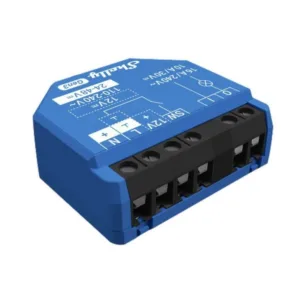
Smart relay Shelly Plus 1, 1 channel, dry contact, 16 A, Wi-Fi + Bluetooth
- SKU:
- SNSW-001X16EU-USED
6,90 € -
6,90 €New: 21,90 € · You save 15,00 €
-
5,90 €New: 19,90 € · You save 14,00 €
-
3,90 €New: 12,90 € · You save 9,00 €
-
3,90 €New: 9,90 € · You save 6,00 €
-
2,90 €New: 7,90 € · You save 5,00 €
-
4,90 €New: 16,90 € · You save 12,00 €
-
7,90 €New: 24,90 € · You save 17,00 €
-
SMLIGHT
Wi-Fi module SMLIGHT SLWF-01Pro (v.2.1) for air conditioners, Home Assistant, Wi-Fi
- SKU:
- SML-KIE-SLWF01
18,90 € -
12,90 €
Your recently viewed
Pick up where you left off
-
7,90 €
-
4,90 €
-
Shelly
Smart relay Shelly Plus 1, 1 channel, dry contact, 16 A, Wi-Fi + Bluetooth
- SKU:
- SNSW-001X16EU-USED
6,90 € -
3,90 €New: 12,90 € · You save 9,00 €
-
3,90 €New: 9,90 € · You save 6,00 €
-
2,90 €New: 7,90 € · You save 5,00 €
-
4,90 €New: 16,90 € · You save 12,00 €
-
7,90 €New: 24,90 € · You save 17,00 €
-
6,90 €New: 21,90 € · You save 15,00 €
-
5,90 €New: 19,90 € · You save 14,00 €


A kitchen LED strip that turns on by itself when you walk in
A strip under the kitchen cabinets that turns on when you walk in and turns off after a pause. A presence sensor, a controller for the strip and one automation in Home Assistant.

Lamps won’t dim? A dimmer behind the switch for LED and halogen lamps
Ordinary lamps behind the wall switch become dimmable with a Shelly or Sonoff dimmer, without replacing the light fitting. It works with dimmable LED and with halogen lamps.

CCT lighting: how many kelvins for each room and how to run it on a schedule in Home Assistant
How many kelvins for the living room, kitchen, bedroom, children’s room, hallway and bathroom, with a source for each recommendation, and how to run them as scenes and on a schedule in Home Assistant.

Keep an eye on the apartment from afar, without cameras in the rooms: by the doors, the plugs and the air conditioners
A sensor on the front door, power measurement on one appliance and the state of the air conditioner show whether anyone is in the apartment, without photographing the guests. Transparency towards the guests is part of the decision.

The air conditioner in the rental apartment stops by itself when a window is open and starts when it’s closed
A window sensor and an automation in Home Assistant stop the AC when the window stays open, and bring it back when it closes, unless you or the guest stopped it.

A smart guest apartment: leak protection while you’re away
A leak sensor protects the apartment while the guests are inside and you are far away. A critical notification on two phones, repeated every 10 minutes until the sensor is dry.

A smart home without renovation: what you can do without touching the wiring
A smart home does not require demolition. A list of things that are fitted without tools and without touching the fixed installation.

The cheapest useful automation: a leak sensor for under €20 against a flood costing thousands
A Zigbee leak sensor on the floor under the washing machine, the water heater or the sink and a notification on the phone. A small price for something that warns you before the water has reached the neighbours.

Do you need Home Assistant at all: when the device’s app is enough and when it isn’t
An honest breakdown: for one smart lamp or one plug the manufacturer’s app is enough. Home Assistant makes sense when there are several devices, from different brands, and you want them to work together.

The first smart device for under €15: a plug that tells you when the washing machine is done
A smart plug with power metering is a cheap first entry into the smart home. We show the idea of an “appliance is done” notification.

The aquarium on autopilot: light on a schedule, remote control and recovery after a power cut
The aquarium lamp turns on and off on a schedule through a smart plug, and after a power cut Home Assistant restores the right state. The plug controls only the lighting, not the filter and not the heater.

Several homes from one place: secure remote access to every Home Assistant
How to reach Home Assistant in several places without opening a port on the router: Home Assistant Cloud, a VPN or a tunnel, with two-factor protection and separate users.

How we notice a sensor has died before it misleads us
The battery runs out quietly and a door sensor simply stops saying “open”. An automation in Home Assistant notifies you when an entity is unavailable or the battery is low.

Updates without surprises: a backup before, a check after
A practical order for updating Home Assistant: a backup, reading the release notes, one update at a time and a check afterwards. That way rolling back is possible.

Never without a backup: a backup in three places and an alarm if it stops
An automatic Home Assistant backup in three different places and a notification if the last successful copy is too old. A copy you have not checked is not a copy.

The Home Assistant database is filling up: how to keep it from getting slow and huge
The Home Assistant Recorder records a history of every change and the database grows. We show how to see what takes up space, how to switch off the unneeded and how to purge safely.

The whole home in Apple Home: what to show the family and what to hide
Home Assistant can show its devices in Apple Home through HomeKit Bridge. You show only what the family uses, and hide the technical sensors and the automations.

What electricity really costs in money: day and night tariff at the regulated price
How to set a day and a night electricity price in Home Assistant, so that you see consumption in leva and not only in kWh. You take the prices from your own bill; we don’t give numbers.

Cross ventilation: a reminder to close the windows once the air has changed
Two sensors on opposite windows and one automation in Home Assistant remind you to close the windows after they have stood open together for a set time. The time is an example and you choose it.

Blinds on “holiday”: they open and close at different times so the home looks lived in
“Holiday” mode in Home Assistant opens the blinds in the morning and closes them in the evening with random delays for each blind. The motorised blinds are controlled with a Zigbee module.

A warm bath for the kids right on time: the heater starts before bath time
A bath time, a smart plug and an automation in Home Assistant start the bathroom heater a little before the kids and switch it off by themselves.
A heater left on: it switches itself off after 60 minutes and notifies you
A smart plug and two automations in Home Assistant switch the heater off after an hour, guard against a restart and notify you if the plug loses its connection. Before that, compare the power of the heater with the plug.

Is the appliance running, is it finished: we tell from the current, without touching the appliance itself
A smart plug with power metering and a helper Threshold sensor in Home Assistant show whether the appliance is running and send a notification when it finishes. You measure the thresholds on your own appliance.
“Guests” mode: a babysitter, a cleaner or relatives at home, without the system switching to “away”
A “guests” switch in Home Assistant pauses the away automations while there are people at home without phones that the system tracks, and switches itself off after a set time.

Your phone checks you out while you’re at home: presence by movement inside, not just by GPS
A template sensor in Home Assistant combines the phones and an mmWave presence sensor: someone is home if a phone is home or a person has been detected in the last 30 minutes.

Morning warm-up made to measure: the bedroom is warm exactly when we get up, not all night
A heater on a smart plug that starts before the wake-up time depending on how cold the room is and how fast it warms up. It stops when the target is reached or shortly after the set time.

Why the air conditioner stops heating before the room has warmed up: its sensor is under the ceiling
The AC reads the temperature high under the ceiling and stops early. An external sensor in the room and an automation in Home Assistant correct the set temperature by the difference between the two readings.

Home cameras without the cloud or a subscription: local viewing and recording
How to choose a camera with a local stream (RTSP or ONVIF), show it in Home Assistant and decide where the recording goes: microSD, a network recorder or an open server like Frigate.

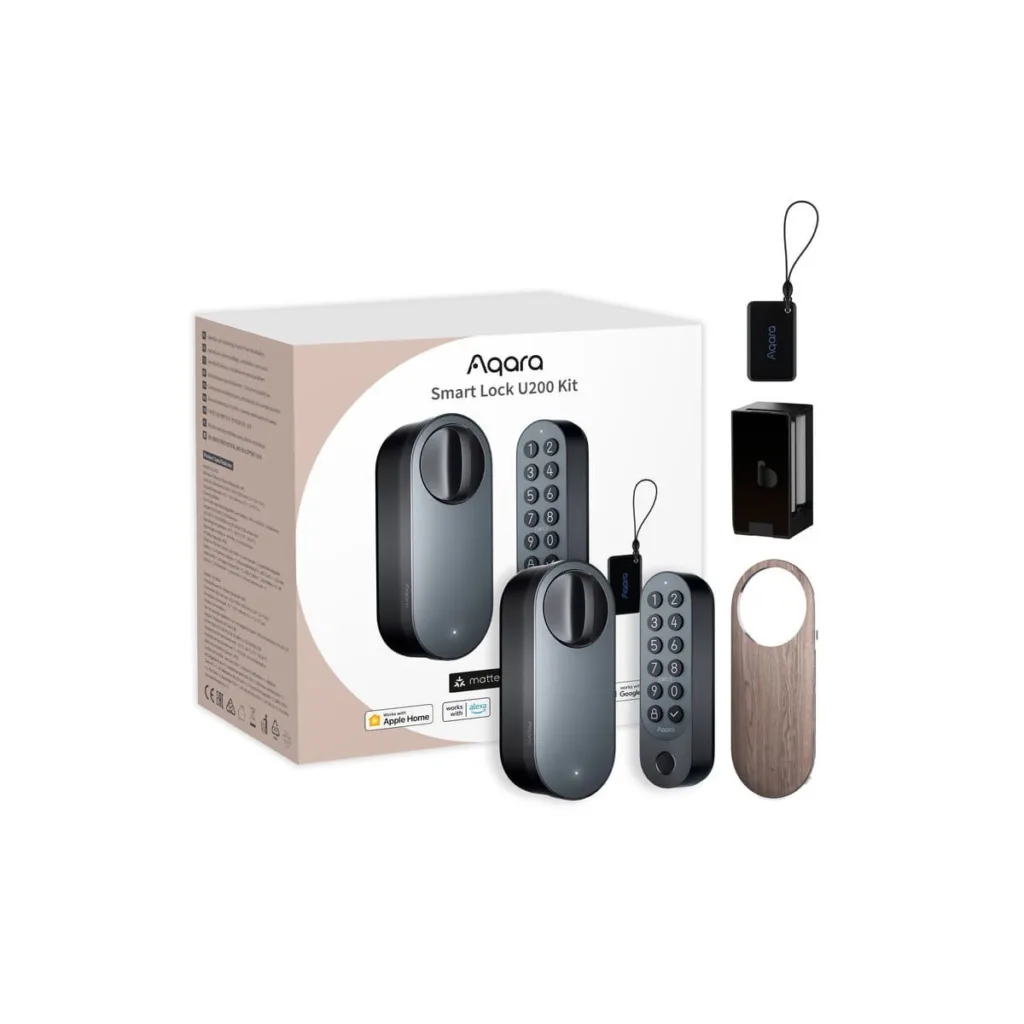
Smart lock and video doorbell: who’s at the door, opening from your phone and self-locking
A smart lock with automatic locking, a video doorbell and Home Assistant: the doorbell's picture in Home Assistant, unlocking from your phone and the questions you need to answer before buying.

An alarm that tells you why it won’t arm: an open window or door stops it
A script in Home Assistant checks all the door and window sensors before arming. If something is open or has lost connection, the alarm stays off and you get a message saying what is stopping it.

Home Assistant as a security alarm: arming, entry delay and an alert when it goes off
Home Assistant’s built-in alarm panel, a front-door sensor and a presence sensor make a home alarm with an exit time, a disarm time on entry and a notification on your phone.

The guests left the front door open: a notification after 15 minutes
A front-door sensor and an automation in Home Assistant send a notification when the door stays open for 15 minutes. For a rental apartment and for any door that shouldn’t stay open.

Blinds that know if it’s a working day: open at 08:00 on weekdays and 10:00 on days off
One automation in Home Assistant opens the blind at 08:00 on a working day and at 10:00 on Saturday, Sunday and holidays. For an existing blind with a motor controlled by a module, not for curtains.

Start with 3 devices, not 30: a sensible first kit
A plug with power metering, a leak sensor and a door sensor are useful from day one. Both sensors are Zigbee and need a hub, and Home Assistant is not required.
Zigbee, Wi-Fi, or Thread: choosing a smart-home protocol
A practical guide to choosing the connection that fits your home, rather than chasing one universal answer.

Which sensors need batteries? One shared weekly report
Every Sunday at 09:00 the phone says which batteries are falling below 25% or that all of them are fine. A Home Assistant blueprint gathers all the battery sensors into one report.

The robot cleans by your rules: tasks by room, floor type and a door check
A script in Home Assistant gives the robot rooms, floor type and level of dirt. If the door of the room is closed, the task doesn’t start, and a queue keeps the tasks in order.

“Dog at home” mode: the hallway that looks after Archi while we’re away
When all the room doors are closed, Home Assistant sends a notification, waits five minutes and starts the dog mode: it turns off the lamps, leaves a dim light in the hallway and runs the fans when needed.

Forgot to lock up? Automatic locking and a notification
A door sensor and a smart lock lock the front door after it has stayed closed for 10 minutes. A second automation sends a notification if it is unlocked while the tracked people are away from home.

How much power went today? A daily report for the home and for charging the car
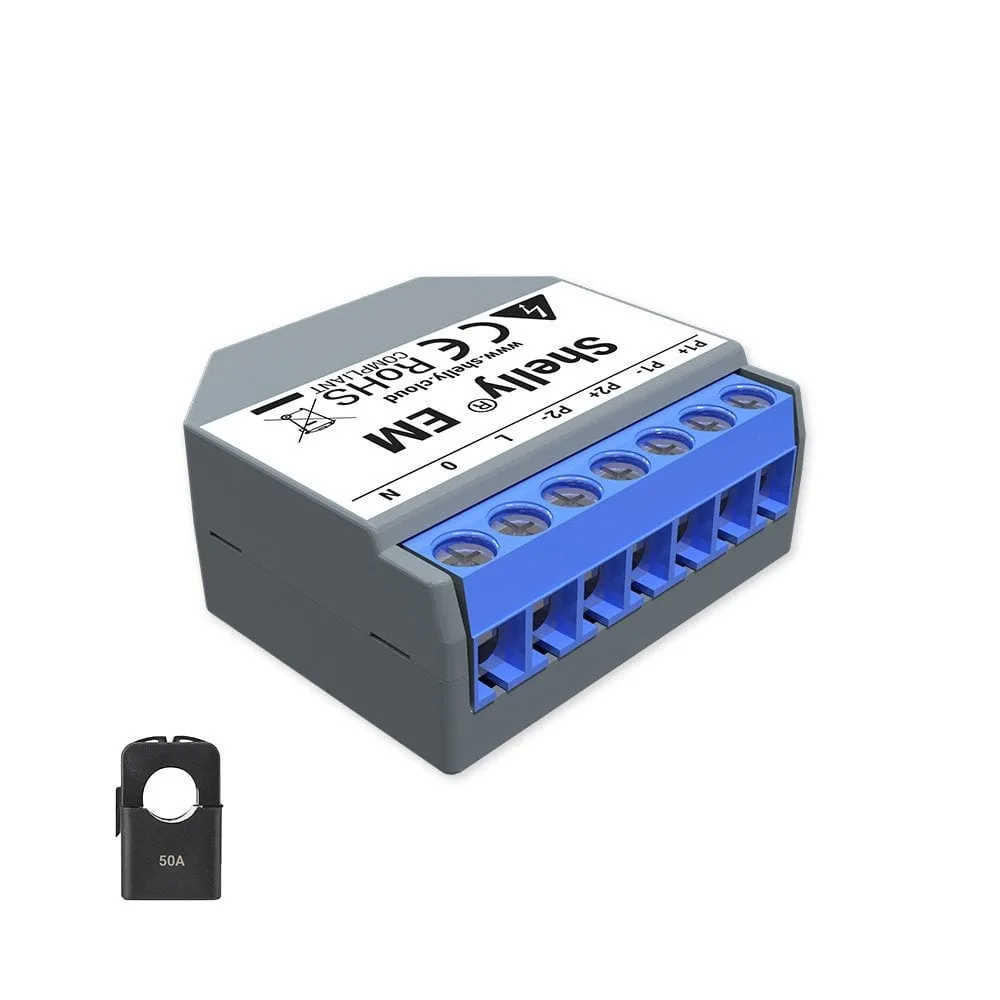
Every evening at 23:59 the phone shows how many kilowatt-hours and how much money went for the day and by what percentage it differs from yesterday. A Shelly EM meter collects the data for the home.

Tesla and the main fuse: shed the load before it trips, without going out in the middle of the night
The meter watches the total power of the house and the car: at a high load Home Assistant first lowers the Tesla's current, then stops the water heaters and restores everything when the load drops.

The dryer controls the ventilation: detection by power consumption
A plug with metering detects that the dryer is running, and the relay turns the fan on and stops it after the cycle ends. The Sonoff kit contains the S61STPF plug and the MINIR4M relay.

The bathroom fan turns on by itself when the humidity rises
The fan turns on when the humidity in the bathroom starts to rise quickly, and stops after it drops, with no fixed threshold for the whole year. You use a humidity sensor, a Derivative helper and a ready-made blueprint.

A screen-free kids’ audio player: stories and music with IKEA BILRESA and Music Assistant
The scroll wheel of an IKEA BILRESA plays and pauses a story, changes the track and raises the volume up to a set limit. Music Assistant in Home Assistant keeps the library.

All the blinds in the room with one remote: IKEA BILRESA and Home Assistant
One button opens all the blinds in the bedroom, another closes them. A cover group in Home Assistant gathers the blinds, and an IKEA BILRESA with two buttons controls them.

One button for the curtains: open, stop and close with a scene switch
One button does three things: if the curtain is moving, it stops it; if it is closed, it opens it; if it is open, it closes it. We show the automation from Marto’s Home Assistant.

Smart curtains in the kids’ room: a morning routine with light and music
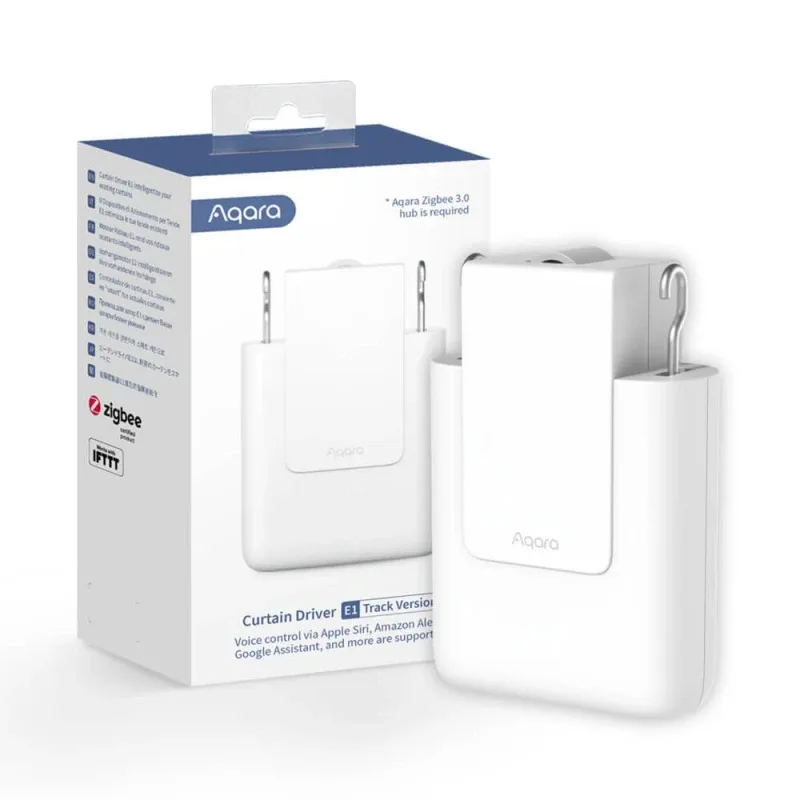
In the morning Home Assistant asks on your phone whether to start the routine, opens the curtains and plays music at a low volume. An Aqara Curtain Driver E1 motor moves the curtains.

3D printing for the smart home: frames, stands and housings for remotes and sensors
Small printed parts fix up the smart home: a frame for a button, a stand for a sensor, a holder for a remote. We explain what is suitable for printing and what is left for a ready-made product.

A switch exactly where you need it: wireless control without cables or drilling
A small Zigbee button sticks on wherever you want a switch: by the bed, on the door or on the sofa. It launches a scene or a lamp through Home Assistant, with no cables and no drilling.

Two IKEA BILRESA and a 3D-printed housing: how I made a wall switch for scenes
Two BILRESA, arranged as an upper and a lower button, make a wireless wall switch for brightness and scenes. The housing can be printed, and the logic is in Home Assistant.

IKEA BILRESA in Home Assistant: a small remote with many uses
One small IKEA remote can switch on lamps, lower blinds and change music. We show what two BILRESA remotes and one blueprint do in Marto’s Home Assistant.

One remote for lamps, air conditioners and scenes in Home Assistant
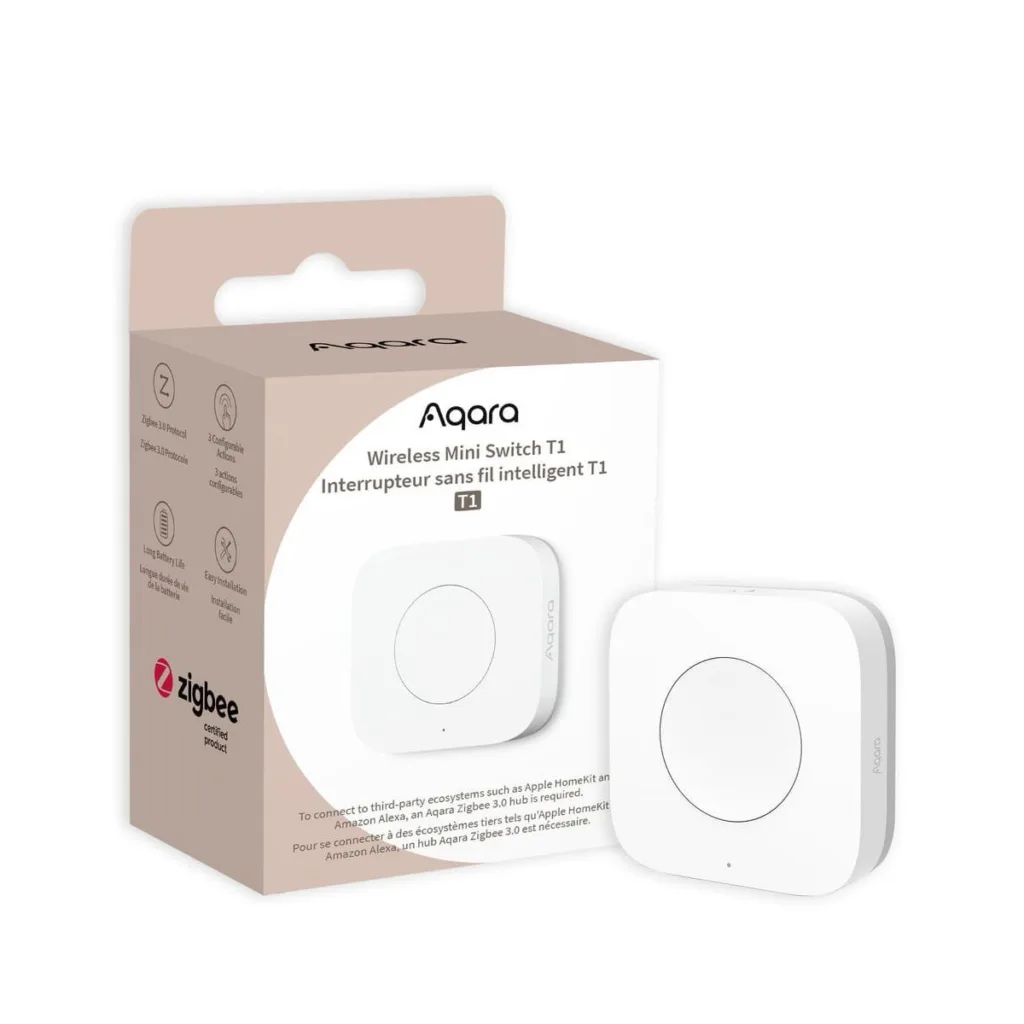
A single Aqara Wireless Mini Switch T1 wireless button with three actions: a single press toggles lamps, a double press stops the AC, a long press starts a scene. The logic is in Home Assistant and can be changed without touching the button.

BLE remote in Home Assistant through a Bluetooth proxy
A Shelly BLU remote with four buttons, whose presses Home Assistant hears through a Bluetooth proxy as events. We start by watching the events, then add an automation.

Five automations we really use every day
An overview of five short automations running in Marto’s home: a fan by humidity, a dryer, an air conditioner with an open window, front door locking and blinds after sunset. Each has a link to a detailed project.

What happens when Home Assistant stops? Plan the basic controls
A short list of what works if Home Assistant stops, a trial shutdown for ten minutes and a plan to bring it back. What matters for the entrance, water and lights should not depend only on an automation.

A smart home that’s easy for the whole family: control without constantly taking out your phone
Wireless buttons in convenient places, each with one clear action, so that everyone in the family can control the home without a phone. The ordinary switches stay.

You’re on holiday: one switch stops the water heaters and the air conditioners
One “Holiday mode” switch turns off the water heaters and air conditioners, runs a lamp through a plug at a slightly different time each evening and sends you a notification if the front door opens.

Voice control without the cloud: what can Home Assistant do?
A voice device for Home Assistant that listens for a wake word and carries out a short list of commands. Part of the processing can stay entirely in the house if the language is supported locally.

An old tablet as a control panel for the whole home
An old tablet becomes a wall panel with one tidy view of big tiles for the most important things. The tablet is only a screen: if it stops, the switches and the phone keep working.

When to air the room? Track CO₂, temperature and humidity
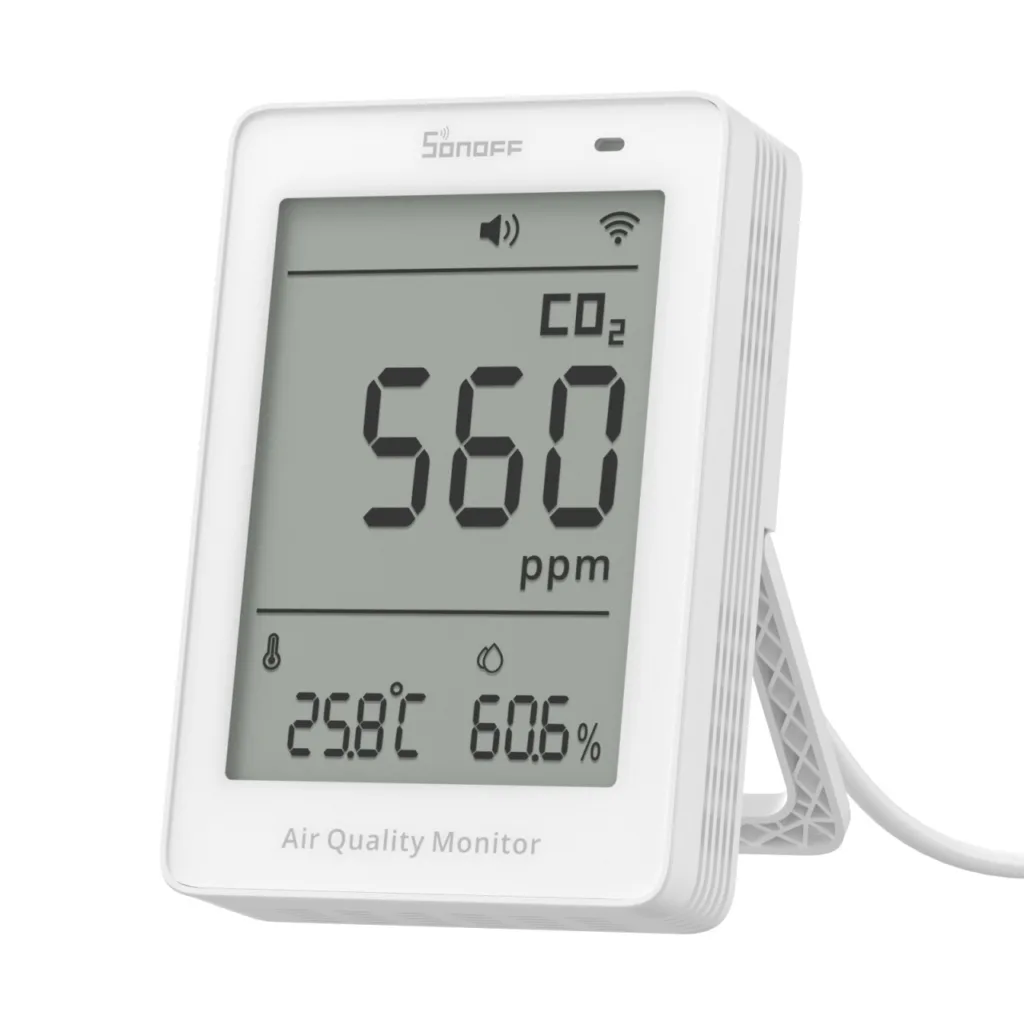
A sensor for CO₂, temperature and humidity sends a notification when the air in the room stays heavy, and stays quiet when the window is already open. We set the thresholds per room.

Smart blinds: control by the sun, the temperature and the time
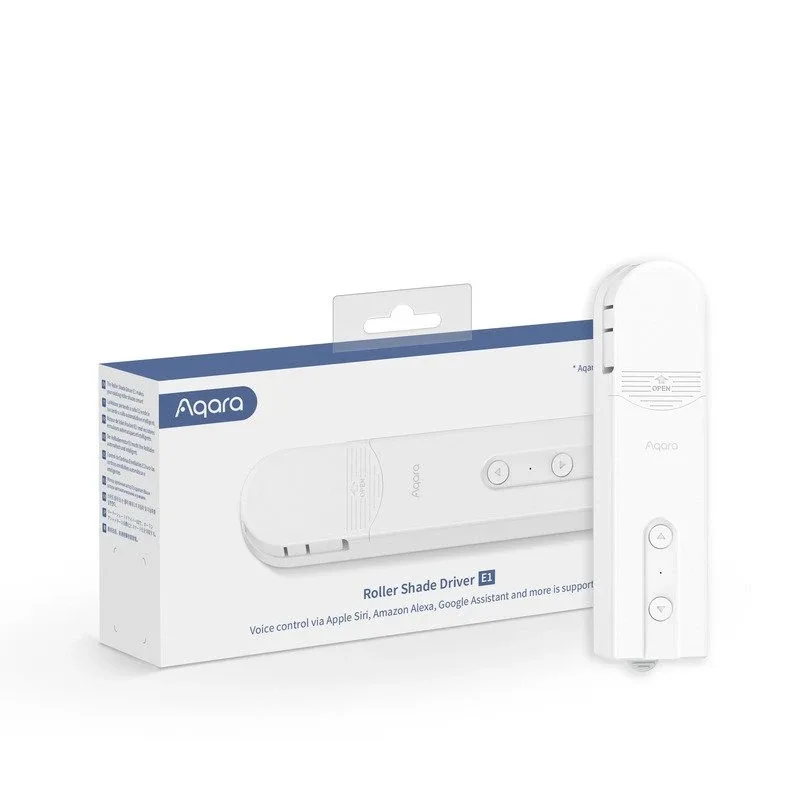
Blinds that come down by themselves in strong sun and a warm room and go up by hand with one press. We start with one rule for one blind and an Aqara Roller Shade Driver E1 motor.

A leak under the sink: a notification that repeats until it dries
A leak sensor under the sink sends a notification to your phones and repeats it every 10 minutes until all the sensors are dry. The water is not shut off automatically: the automation only warns.

Open window: the AC stops and comes back on its own
If the window stays open for a few minutes, the AC stops or drops to standby, and when it closes it returns to its previous settings. Three automations per room and a reminder on your phone.

A night light that guides you to the bathroom without waking you
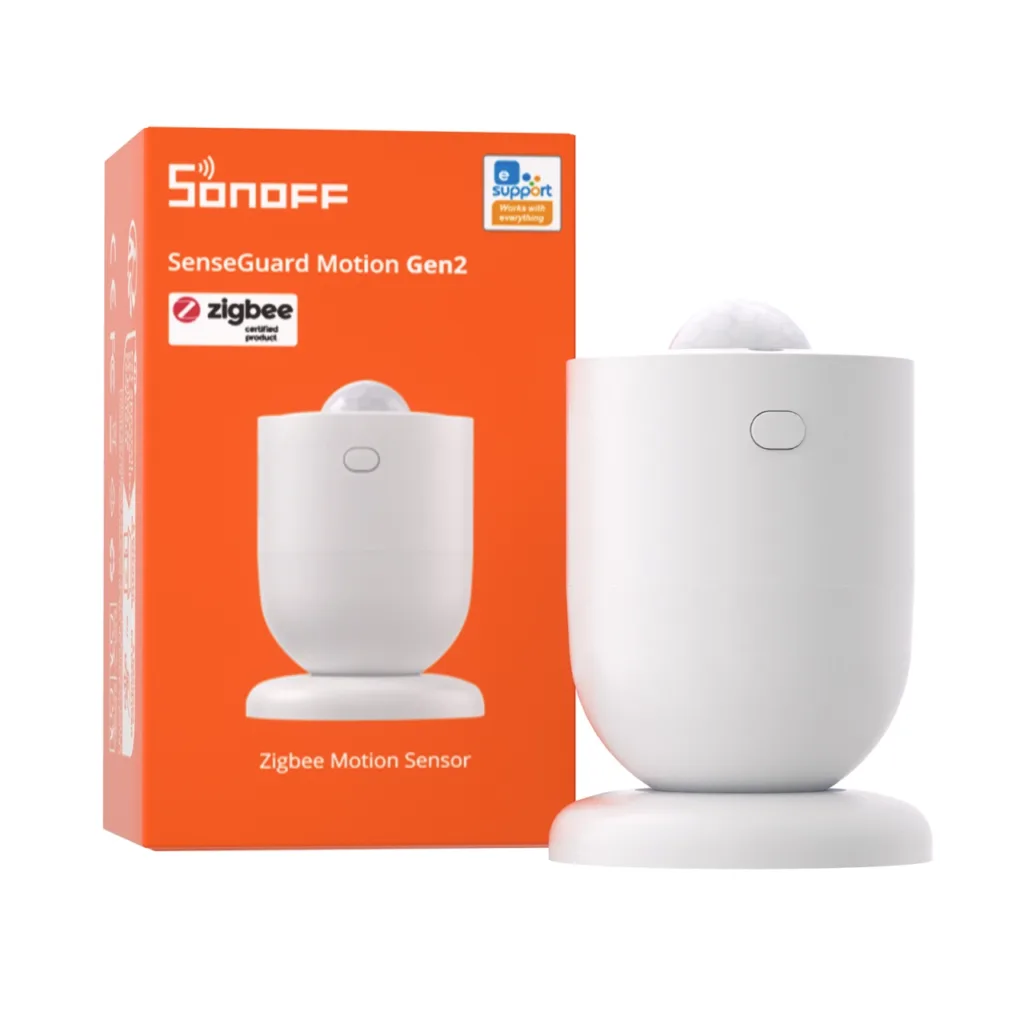
A motion sensor switches on a dim light along the way to the bathroom at night. The Sonoff kit contains an SNZB-03PR2 sensor with a light sensor and a ZBMINIR2 Zigbee relay.

The lamp goes off while you sit on the sofa: motion sensor or presence sensor?
An ordinary motion sensor turns the lamp off when you sit still. A presence sensor is made for exactly that. How they differ and how to make lighting that doesn’t leave you in the dark.

No neutral wire behind the switch: what options do you have for smart lighting?
When there is only a live wire in the box behind the switch, an ordinary relay usually will not do. Sonoff ZBMINIL2 works without a neutral wire: minimum load 3 W, max. 6 A and what its limits are.

Smart bulb or smart relay: which solution suits your lighting?
The smart bulb brings colour and dimming, while the relay behind the switch keeps your bulbs and your switch. How to choose between the two according to the lighting, the switch and who uses it.

A smart home without the internet: which devices keep working?
What stops and what keeps going when the router loses the internet. How to tell local control from cloud control, how to test your own home and what to prepare in advance.

Zigbee, Wi-Fi, Matter and Thread: which one do you need for what?
Four words that get mixed up: Zigbee, Wi-Fi, Matter and Thread. Which is a radio network, which is a language for devices, and what you need at home so they work together with Home Assistant.

Home Assistant from scratch: your first working smart home
From an empty Home Assistant to three working devices and a first automation: a metering plug, a leak sensor and a door sensor. Steps for a beginner, without buying more than you need.

One home, one app: bringing your devices together in Home Assistant
If you have lights, plugs and sensors from different manufacturers, each with its own app, Home Assistant brings them together in one place. How to organise the devices by room and what to expect.

How to connect your air conditioners to Home Assistant
An overview of the ways an air conditioner can become a “climate” entity in Home Assistant: the factory Wi-Fi module, the manufacturer’s integration or an infrared transmitter. What to ask before you buy.

Apator water meter in Home Assistant: how I track my water use in real time
An overview of ways to bring a water meter’s readings into Home Assistant: pulse output, radio and camera. How to tell which meter you have and how to show it on the water dashboard.

Which appliance uses how much power? Measuring consumption at home
A metering plug between the appliance and the socket shows power and accumulated energy. You connect it in Home Assistant, add it to the Energy dashboard and compare appliances by real data.

Tesla in Home Assistant: the car as part of the smart home
An overview of the ways to connect a Tesla to Home Assistant: the official Tesla Fleet and the Tessie and Teslemetry services. What you see, what you can command and where the limits are.

“Movie”, “Good night” and “Leaving” scenes: a practical everyday project
One wireless button with a single, double and long press triggers three scenes: movie, good night and leaving. We show how to build them in Home Assistant and how to run them from your phone too.

One switch, many actions: wall switches become scene buttons
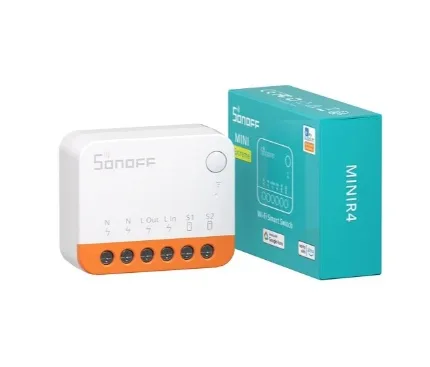
The “Detach Relay” mode of the Sonoff MINIR4 separates the wall switch from the relay and turns it into a scene button in eWeLink. We explain how it works and what you give up: the switch no longer turns on its own lamp.

Scenes in Home Assistant: the whole home changes with one press
A scene stores the state of several devices and brings it back with one gesture. We show when a scene is better than an automation and how to make your first one with a snapshot of the current state.

How to make ordinary lamps smart and keep the wall switches
A relay behind the wall switch makes an ordinary lamp smart and leaves the switch on the wall. You learn when you need a relay with a neutral, when one without, and what you lose with Detached mode.

Smart LED strips: control of brightness, colours and effects
An RGBW strip controller joins Home Assistant as a light: you change brightness and colour from the app, from a button and from an automation. For animated effects we also look at WLED.

Water heater on the night tariff and what electricity costs at home
You connect the water heater to a relay with power metering, follow the day and night tariff in Home Assistant, get a daily report of the cost in euros and a notification when the water is hot.

The washing machine is done: a notification from power consumption
Home Assistant watches the washing machine's power in watts and sends you a notification when, after a run, it stays low long enough. You choose the thresholds from the real cycle of your own machine.

Motion-Activated Hallway Lighting
Use a Zigbee PIR sensor and in-wall relay to switch a hallway light quickly, then turn it off after a quiet delay.

Presence-Aware Room Lighting with Manual Control
The lighting follows presence, and the wall switch keeps doing its job. You set up the sensors, two automations and an easy manual mode.